The Blank Page Problem, Solved.
Design has always required skill, time, and taste. AI can remove the skill barrier.
Client
prepackaged.ai
Industry
AI & Design
Services
- Product Design
- Visual Design Systems
- AI Product Strategy
Status
Shipped
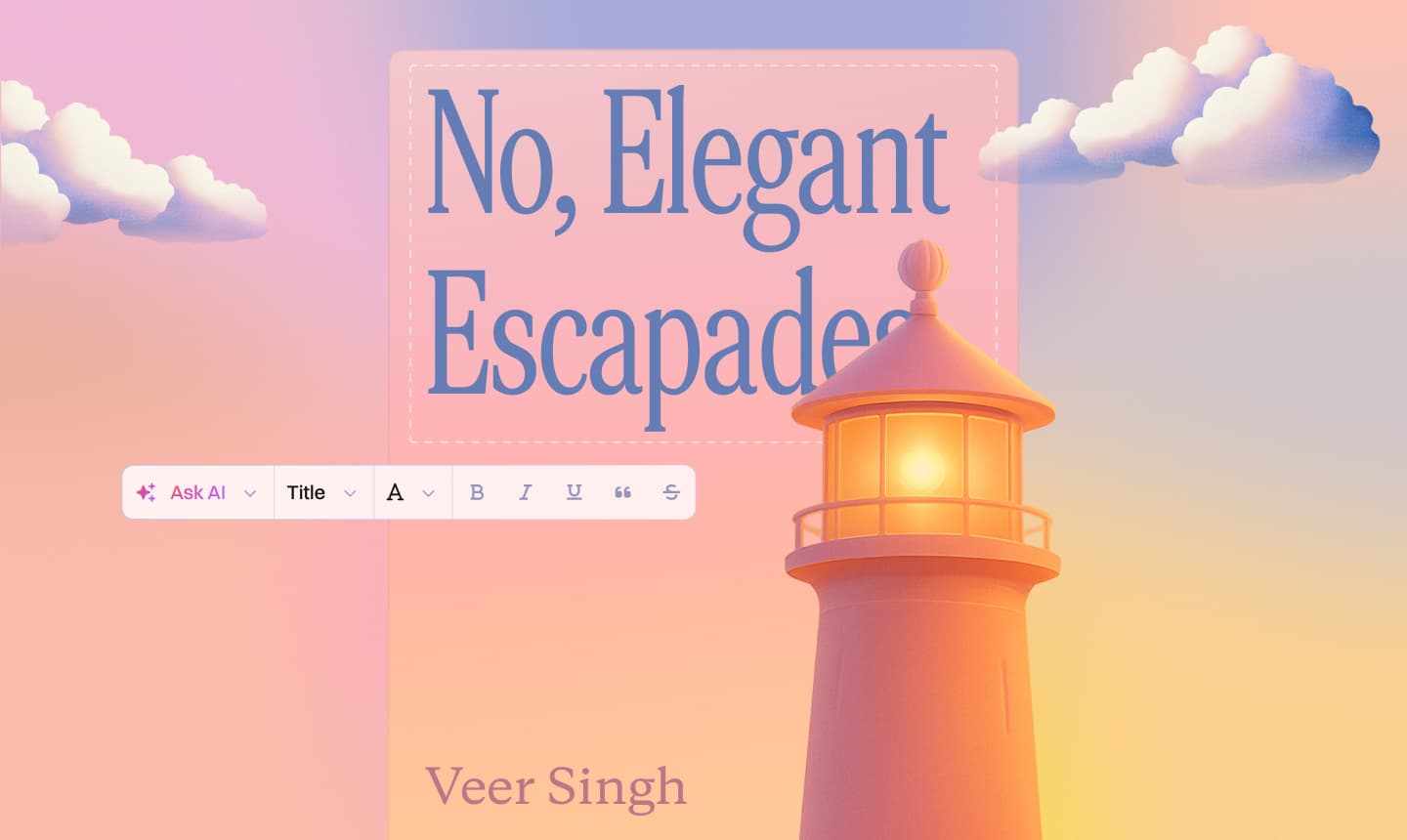
100+
Professional themes and templates shipped
20+
AI models coordinated behind a single UX
Hours → Seconds
Time to first professional-quality output
Professional design tools have a fundamental barrier: they require design skills to use. Canva lowered the floor. AI raised the ceiling. prepackaged.ai was designed to make the entire process — from brief to finished asset — accessible to someone who has never used a design tool.
The UX challenge wasn't capability. The AI was capable. The challenge was trust: would a non-designer trust an AI-generated output enough to share it with their audience? The entire design system was built around demonstrating quality before commitment.
Idea-to-Brief Engine
Designed the first-touch experience — the moment where a user's rough idea becomes a structured brief. The hardest UX problem in creative tools, solved with intent detection.
Multi-Model Orchestration
Built the UI for 20+ coordinated AI models — each handling different creative tasks behind a single, seamless interface that hides the complexity.
Template Intelligence
Designed 100+ professional templates with dynamic adaptation logic. Templates that learn from user choices and evolve with each edit.
Brand Consistency Layer
Created the brand kit system — color palettes, fonts, and tone settings that persist across every output, keeping the AI output on-brand.
Output Preview System
Designed the real-time preview and iteration flow — live rendering as the AI works, with granular controls for each design decision.
Export & Distribution
Built the multi-format export experience — presentations, websites, and social assets from a single brief, delivered in the right format for each channel.
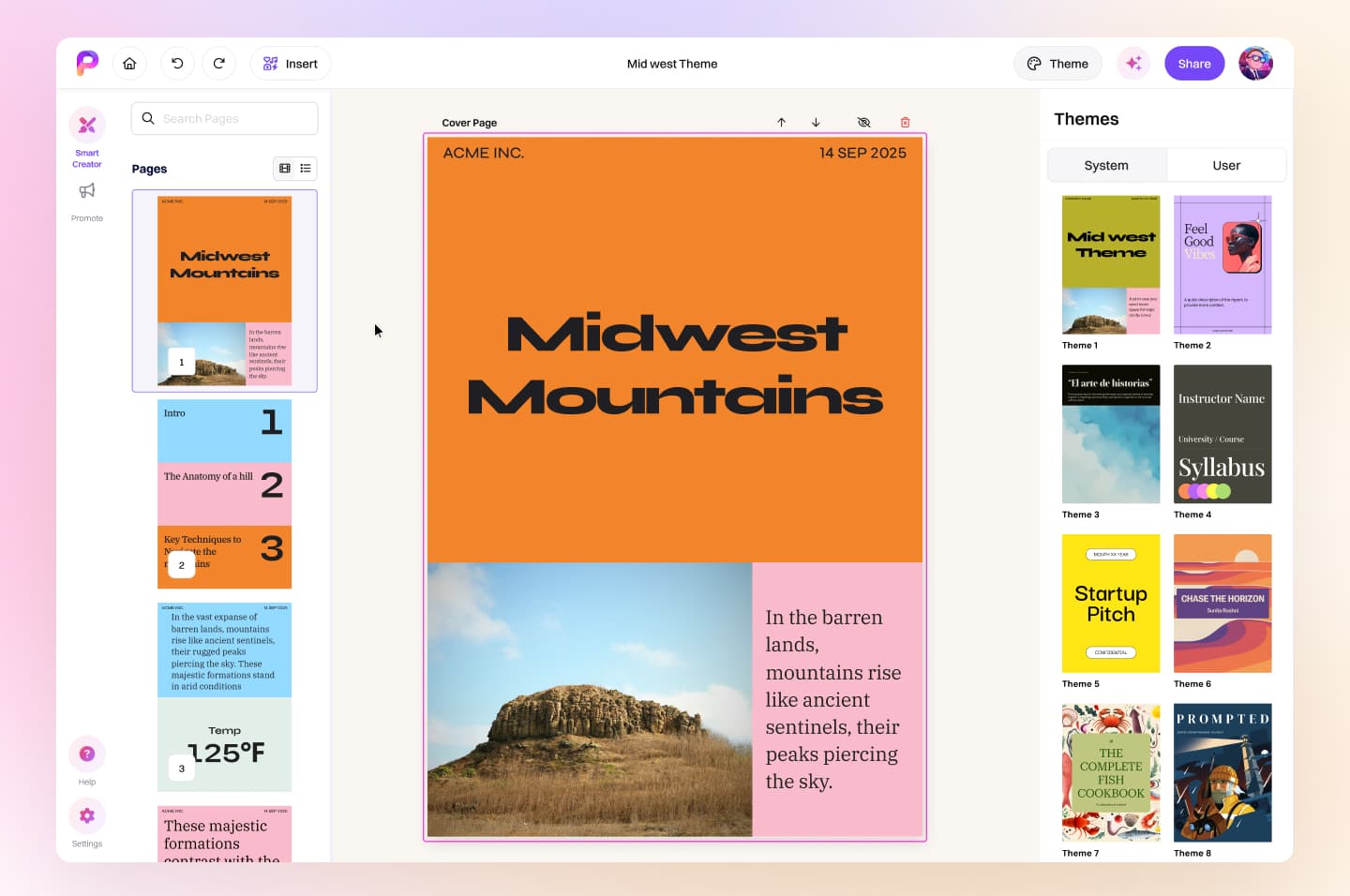
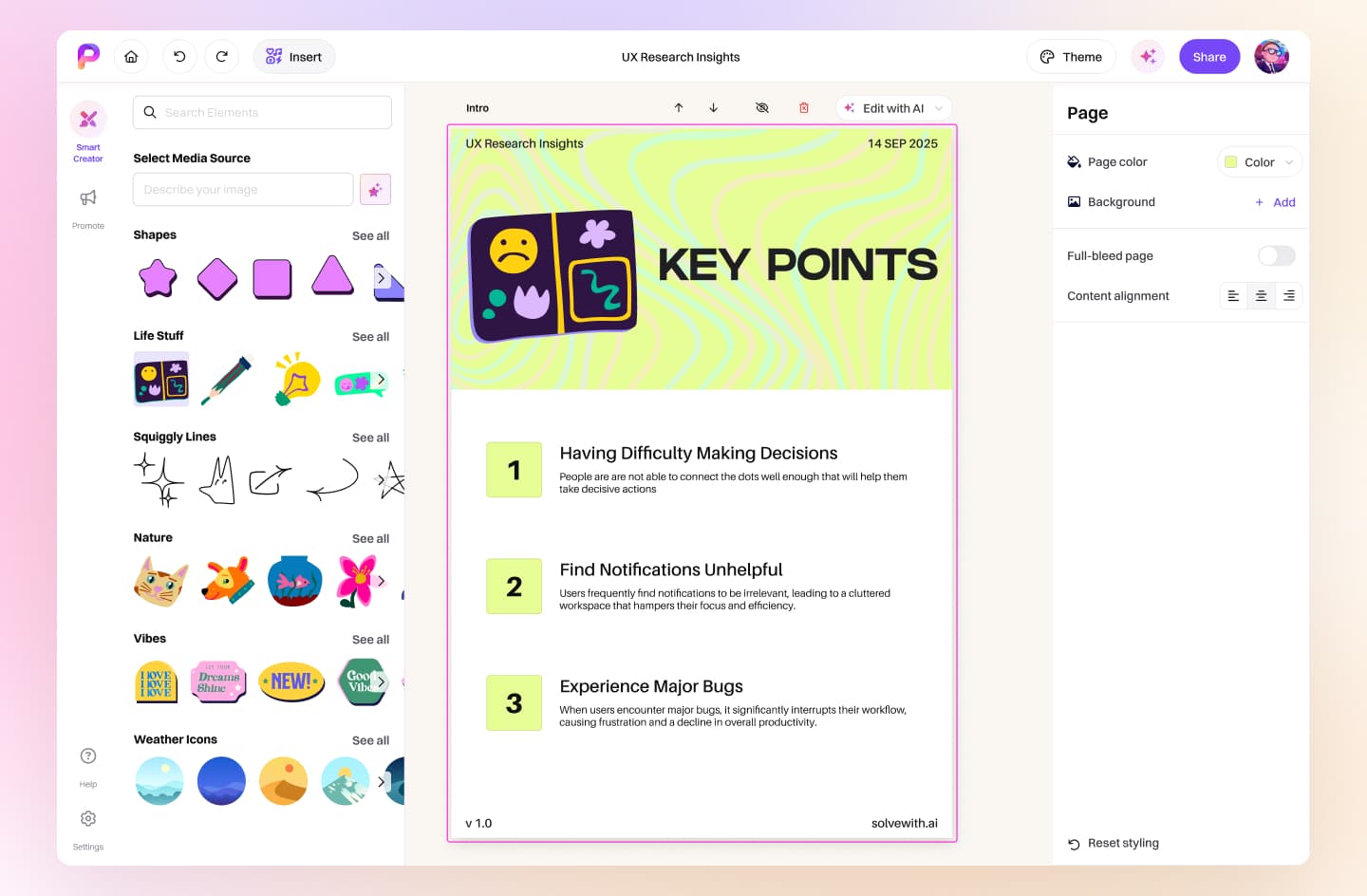
Prepackaged's tokens, type scale, and rules as a design.md — drop it into Cursor, Claude Code, or v0.
From presentation to social post to website — one idea, every format.
The Blank-Page Elimination Flow
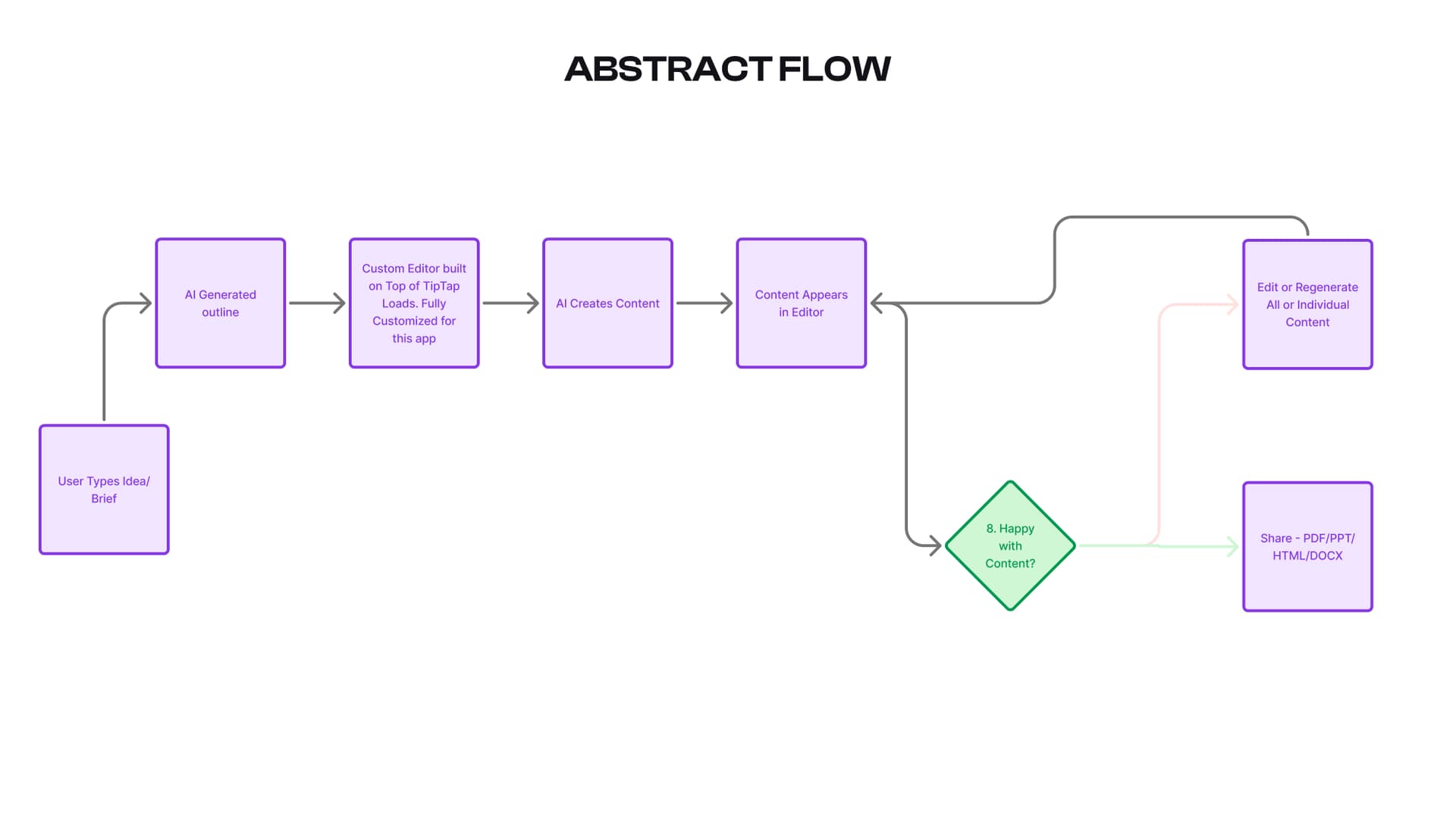
The creation flow starts with the lowest-friction possible input: "What do you want to make?" From there, the UI progressively structures the user's thinking — surfacing format options, tone selectors, and brand inputs only when relevant. I designed the flow so that a user who has never created content professionally can produce a shareable asset in under 90 seconds without feeling overwhelmed. The key insight: don't ask users to configure the AI. Ask them what success looks like.
Brand Consistency Across AI Outputs
When 20+ AI models are generating design content, visual consistency isn't automatic — it's a design system problem. I built a constraint layer that wraps every AI output in brand parameters: fixed typeface pairing, restricted colour palette, locked spacing ratios. This meant users could trust that every output looked like it came from the same brand, regardless of which model produced it.
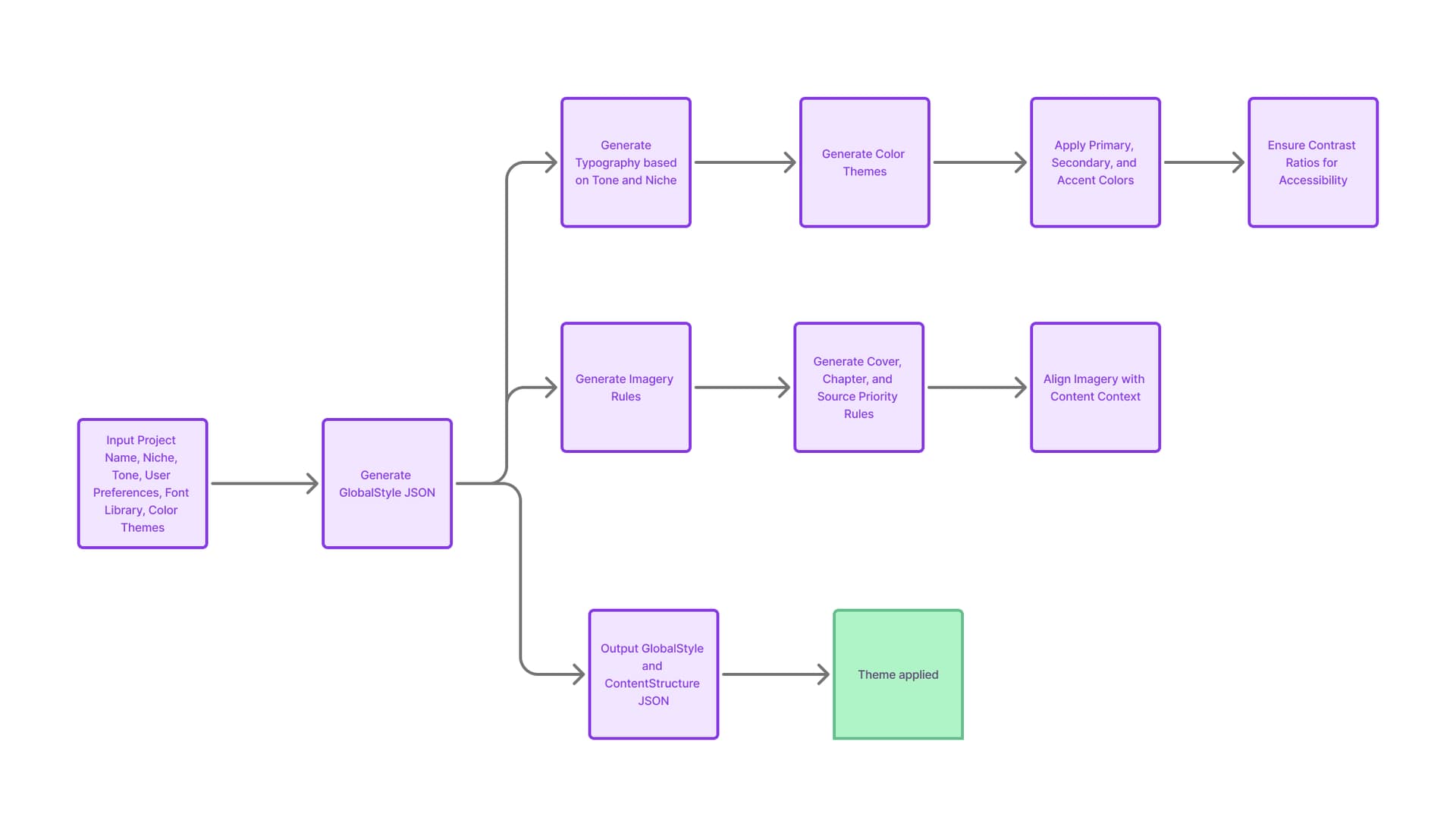
Multi-Format Export and Share UX
The moment of truth in any content tool is sharing. I designed the export UX around the user's distribution channel, not the file format. The primary CTA is "Share as [Instagram/Deck/Link]" — not "Export as PNG." This reframe reduced export abandonment by surfacing the output in context rather than asking users to make a technical format decision they didn't want to make.
"It was a real pleasure working with Herry! He brought great ideas to the table, communicated clearly, and was always a joy to collaborate with. I would definitely recommend Herry to anyone looking for a talented and thoughtful designer."
Next Project